Camera & Creator / PRODUCT GUIDE
SanDisk Ultra 128GB SD card guide: choose by your camera’s write requirements
The gray-and-red SDSDUNB-128G-GN6IN is a full-size 128GB SDXC UHS-I card with Class 10 and U1 markings. The 140 MB/s advertised figure describes reads on compatible equipment.
As an Amazon Associate I earn from qualifying purchases.
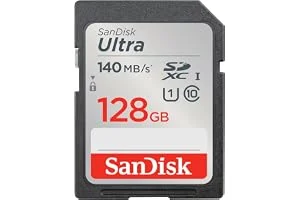
View SanDisk 128GB Ultra SDXC UHS-I Memory Card, Up to 140MB/s, C10, U1 on Amazon (paid link) ↗
Check the camera’s card slot and capacity first
This is a full-size SD card. Match that format and SDXC support to the camera or recorder’s manual. A device limited to SDHC may accept the card physically and still be unable to use its capacity. This model makes the most sense for a supported stills camera or a lower-data-rate mode that calls for Class 10 or U1 media. Check the exact recording mode rather than relying on the camera’s headline resolution.
Read the U1 marking before the 140 MB/s figure
U1 is a 10 MB/s minimum sequential write class under the relevant conditions. The headline speed is the manufacturer’s peak read rating, which depends on the reader and compatible proprietary transfer mode. Those numbers answer different questions. A card reader may copy files quickly while the same card still falls below the required recording class for a demanding camera mode.
Use the speed requirement for the work you intend to do
If the camera manual calls for V30 for the format you record, move to a V30 card that the camera supports. If you shoot brief still bursts and occasional video at a supported rate, the Ultra is the simpler option. For long raw bursts, buffer clearing can matter more than the top read number. Plan around the camera’s behavior and a card with documented write specs.
Use the reader you have when estimating transfer time
Insert the card into a compatible reader and check how long a representative shoot takes to move. For example, a 25 GB folder at a real 50 MB/s would take about eight minutes before overhead. A camera’s USB port, reader or copying destination can change the rate. Keep your card’s original files until you verify the transfer. Ryan did not benchmark any camera or reader for this guide.
Compare SanDisk Extreme PRO for a camera mode that needs V30
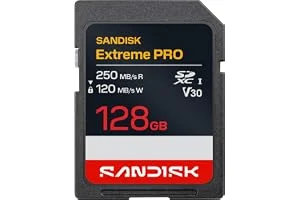
Pick the 128GB Extreme PRO if your host takes full-size SDXC and needs a documented V30 card. Its UHS-I format remains familiar, although the higher advertised read figure still depends on the card reader. The useful upgrade is the write class when your recording format requires it.
Compare Delkin POWER V90 when your camera specifies it
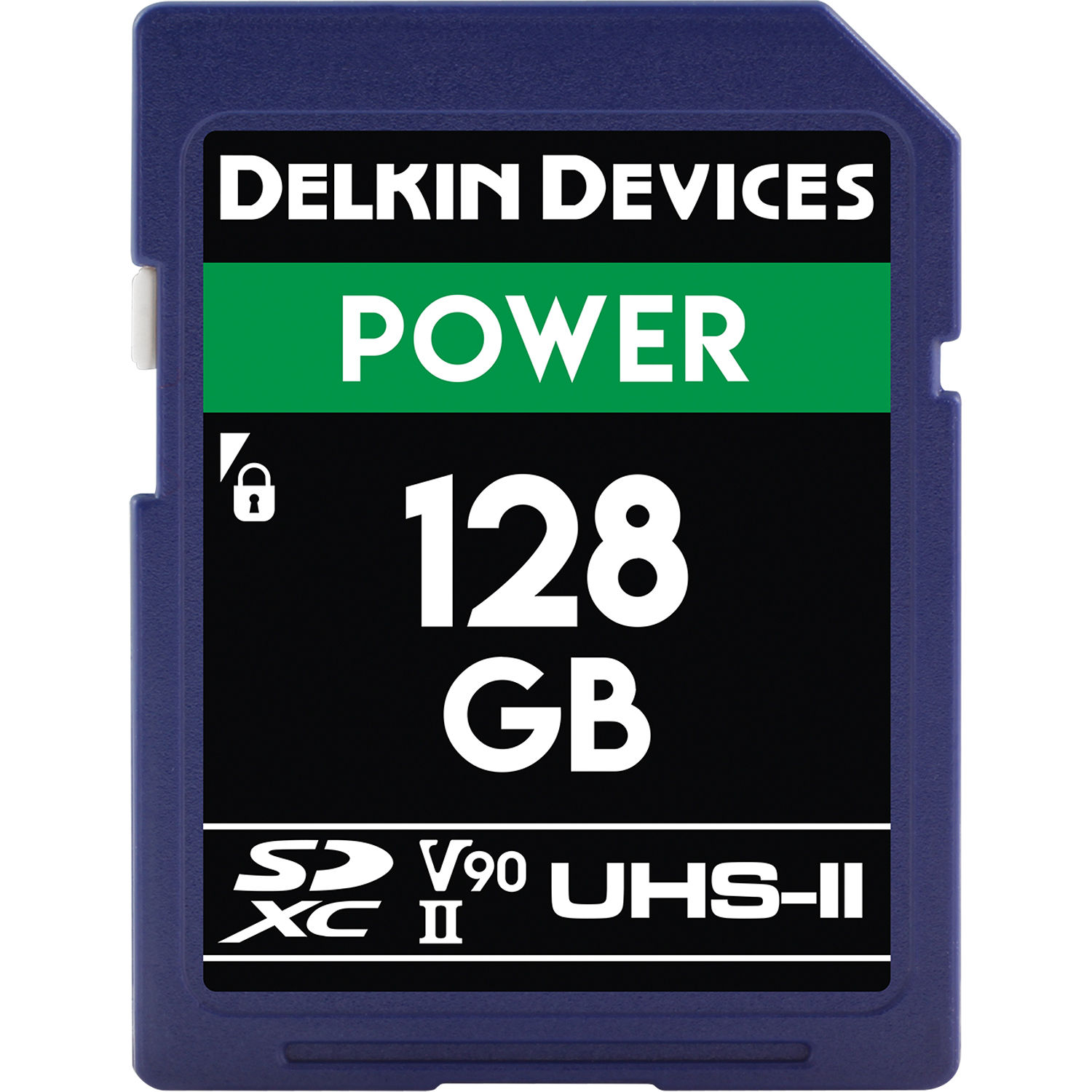
The Delkin 128GB POWER uses UHS-II and carries a V90 marking. It is designed for more demanding modes when a compatible host requires that class. Check the camera’s approved list. For ordinary lower-data-rate work that runs on supported U1 media, the Ultra still serves the simpler use.
Compare the shopping options
SanDisk Extreme PRO 128GB UHS-I SD — V30-rated option
Delkin POWER 128GB UHS-II SD — V90 option for compatible demanding modes
Sources and review basis
Researched November 20, 2026. Ryan’s own experience is attributed where supplied. Other judgments are buying advice based on the cited product information, not a hands-on comparison or laboratory test. Prices and availability are checked at the retailer.